

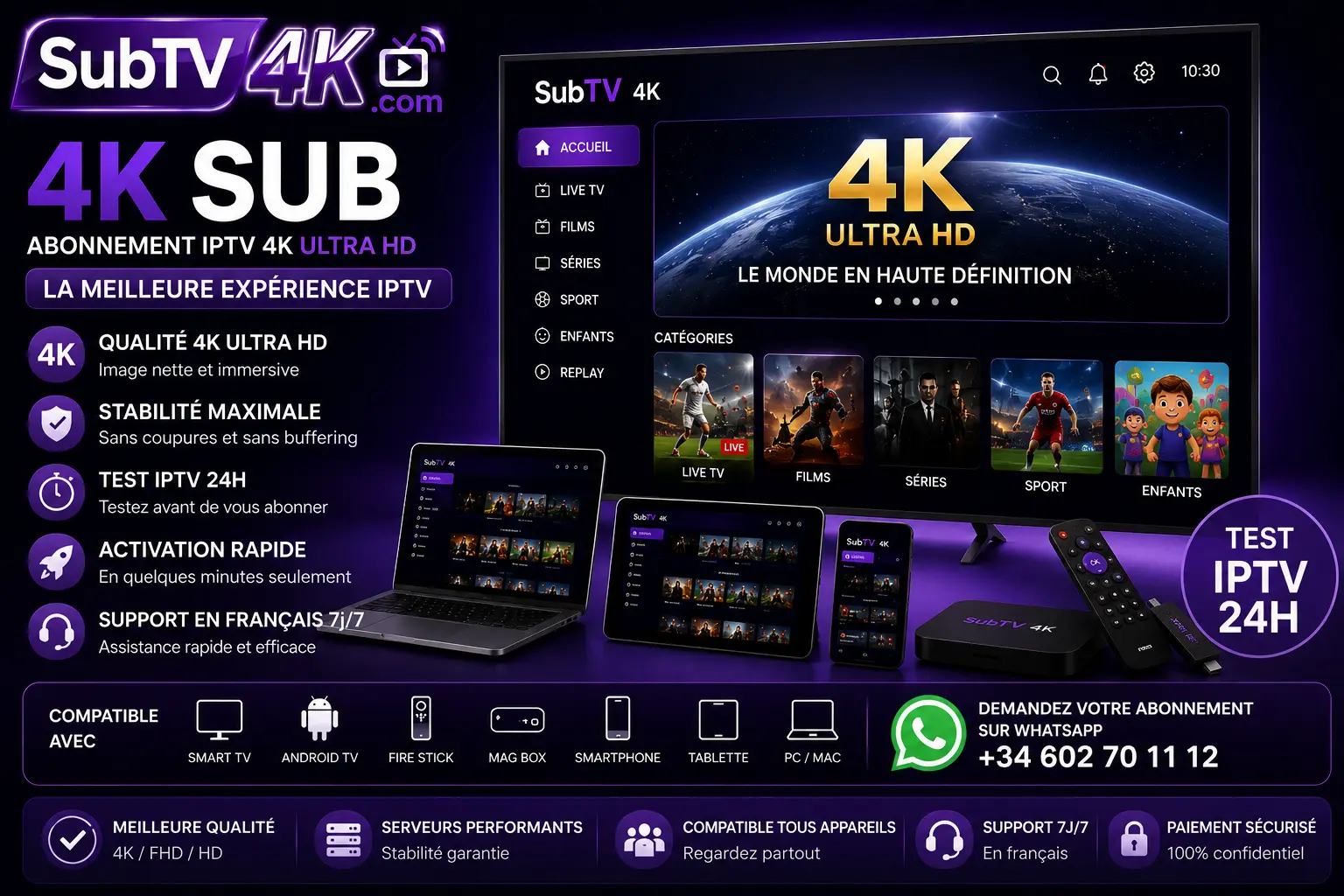

A 4K television shows four times more detail than Full HD, but only if the signal keeps up. 4K IPTV streaming depends on three things you control at home: your internet speed, your device and a few simple settings. This guide explains each of them so you can enjoy a sharp, stable picture with SubTV 4K.
What internet speed do you need for 4K IPTV?
A single 4K stream uses around 15 to 25 Mbps. Your connection must deliver that speed continuously, not only during a quick speed test. Count on:
- 10 Mbps for a comfortable Full HD picture;
- 25 Mbps for 4K on one screen;
- 50 Mbps or more when several people stream at the same time, for example with an Ultra Max multi-screen plan.
Fibre and recent cable connections handle this easily. On ADSL or a weak 4G link, choose Full HD channels: the picture stays smooth and the difference is small on screens under 50 inches.
Wi-Fi or cable?
An Ethernet cable is always the most reliable option for 4K IPTV. If your TV or box is far from the router, use 5 GHz Wi-Fi instead of 2.4 GHz, keep the router in an open place and avoid walls between them. A mesh system or a powerline adapter solves most dead zones.
Which devices play 4K IPTV well?
- Smart TVs from Samsung and LG released in the last few years.
- Amazon Fire TV Stick 4K / 4K Max, a cheap and very popular choice.
- Android TV boxes and Google TV devices with 4K output.
- Apple TV 4K, very smooth with the right app.
Older sticks and entry-level boxes often struggle with 4K: they heat up, freeze or lower the resolution. If your device is more than five years old, a new Fire TV Stick 4K is usually the best investment.
4K IPTV streaming settings that stop buffering
- Restart your router and your device once a week.
- Clear the cache of the IPTV app when it becomes slow.
- In the player settings, choose the hardware decoder.
- Close other downloads and streams during live events.
- Avoid running a VPN on the same device unless you really need it, because it adds an extra step between you and the server.
Why the server matters as much as your connection
Even the best connection cannot fix an overloaded server. SubTV 4K uses anti-freeze servers sized for evening peaks, and the Premium plan runs on our high-capacity infrastructure for live sport in 4K. Want to see the difference at home? Ask for a 24h IPTV test or compare the IPTV prices of each plan.
Summary
For 4K IPTV streaming without interruptions: 25 Mbps per screen, a cable or 5 GHz Wi-Fi, a recent 4K device and a reliable provider. With these four points in place, your 4K TV finally shows what it can do. Choose your subscription and our team activates it within minutes.
